Turn a photo you love into a paint-by-numbers canvas.
Pick a photo, choose a difficulty, and fill it in one region at a time — a calm, creative way to relive your favorite moments.

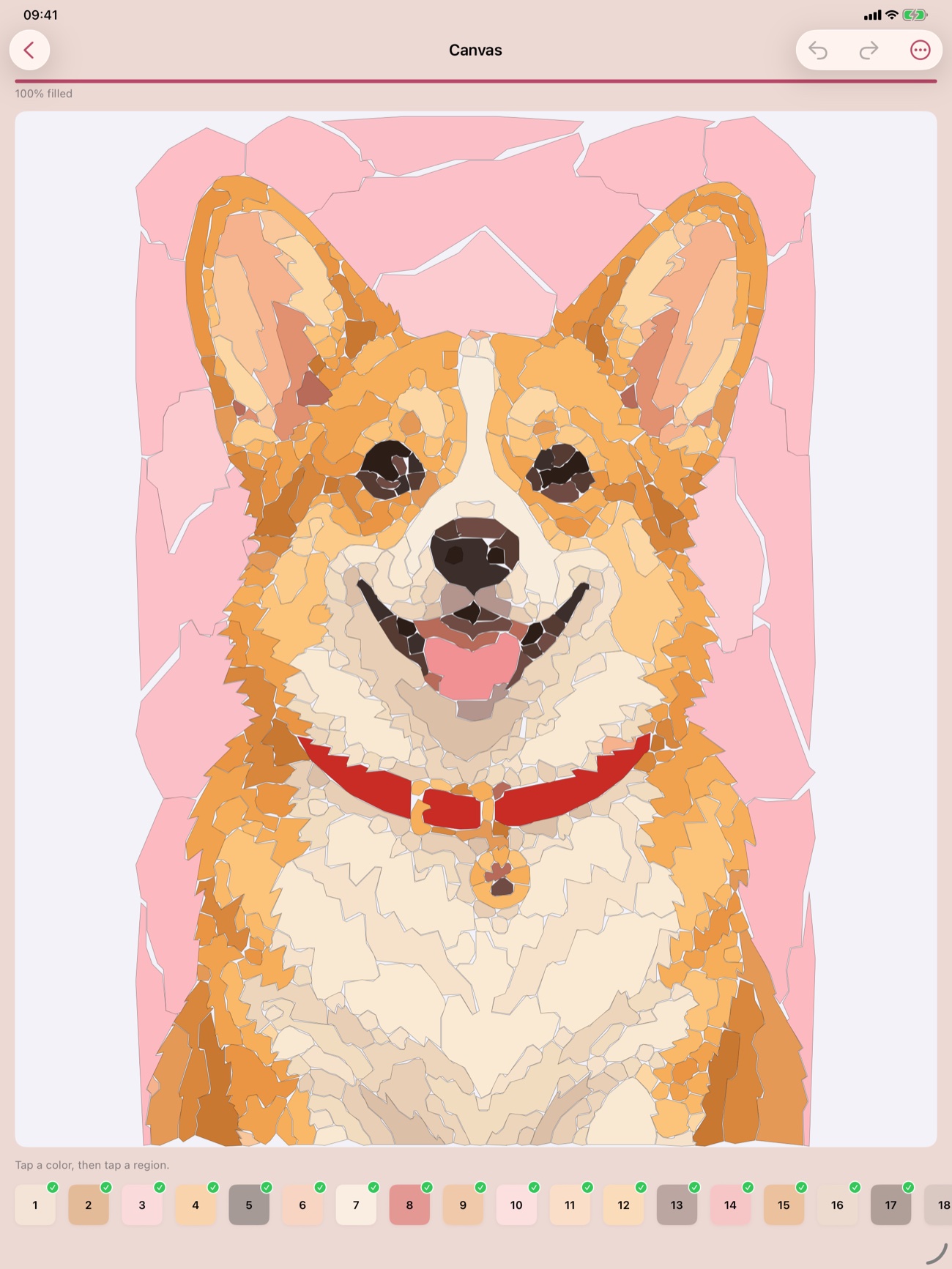
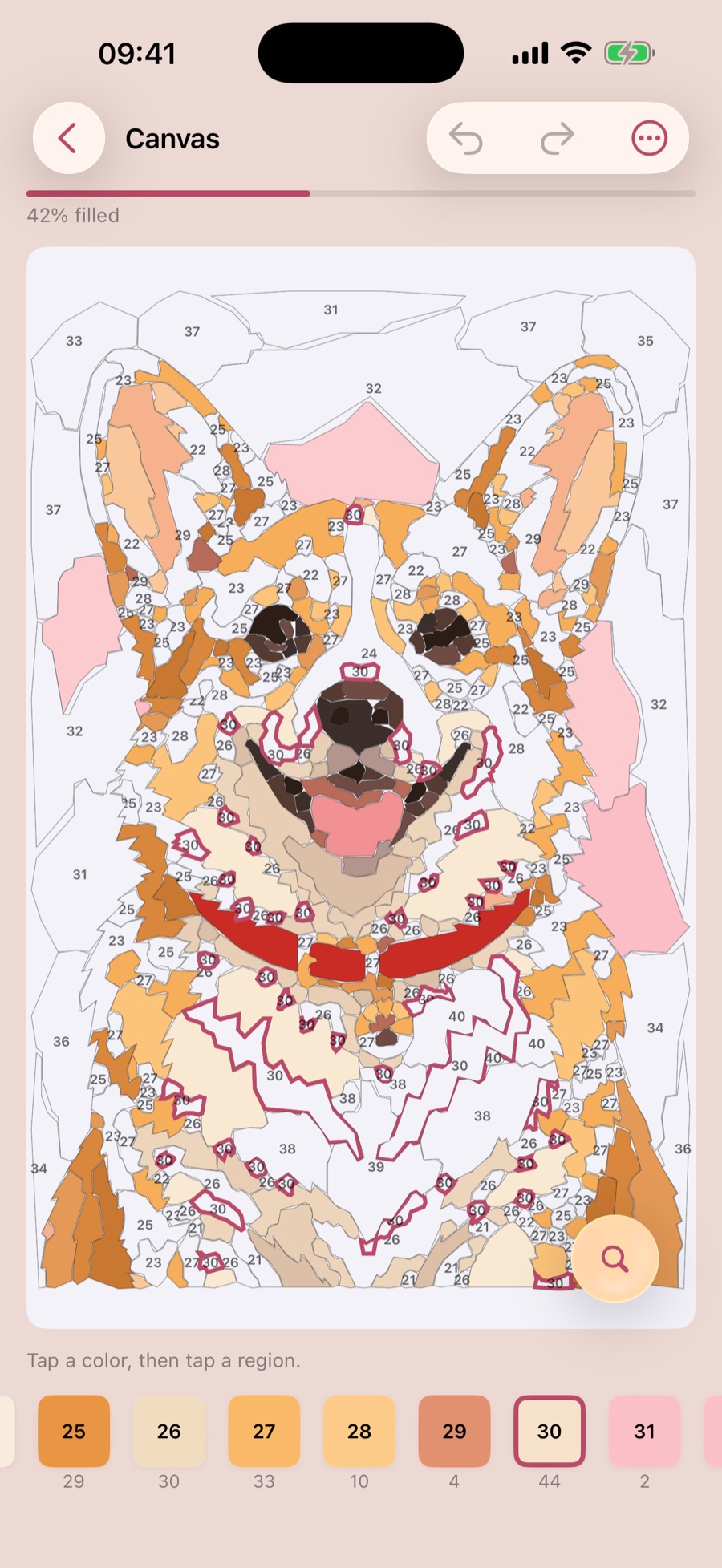
From photo to finished painting in four steps.
The same simple flow on iPhone and iPad. Paint anywhere, finish whenever you like.
-
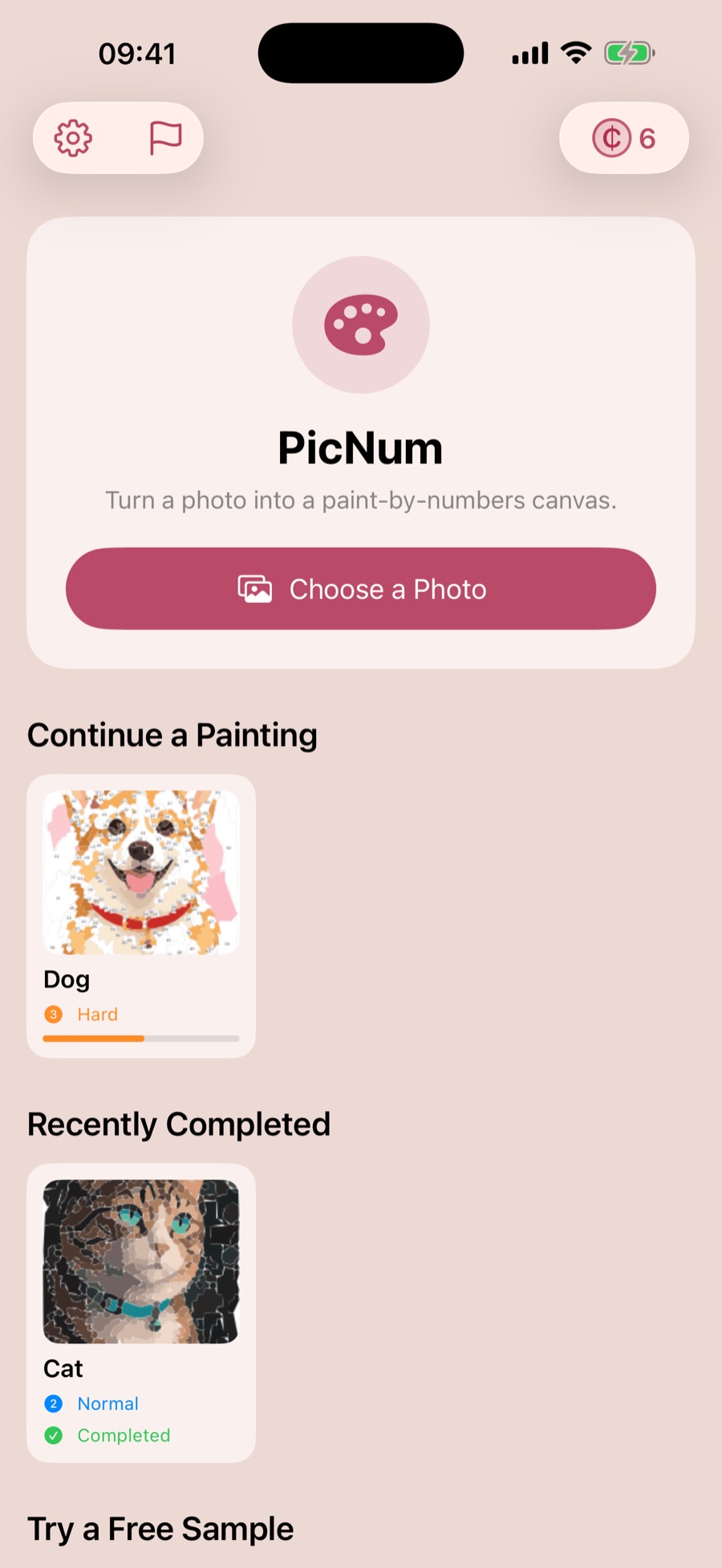
Pick a photo
Choose any photo you love from your library, or start with a free sample.
-
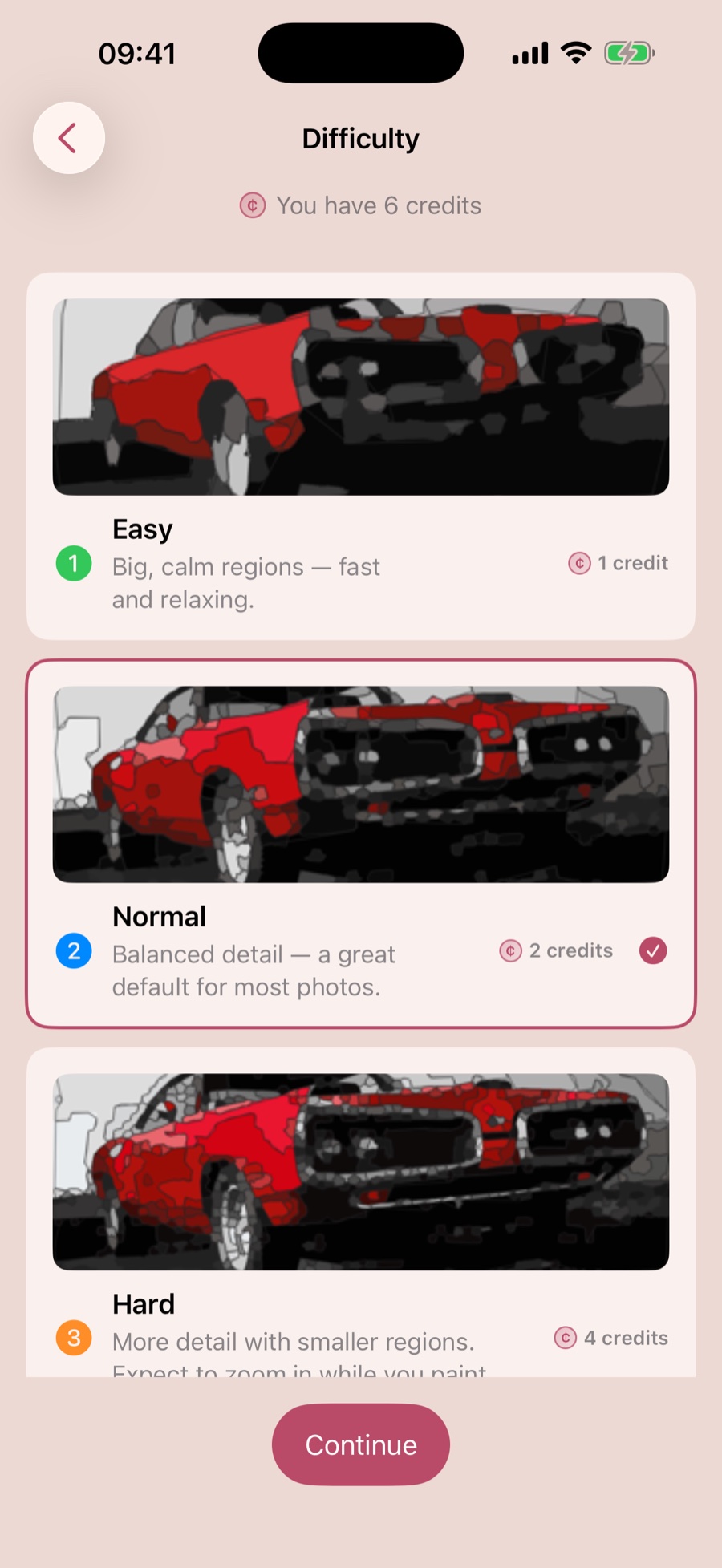
Choose your detail
Easy, Normal, Hard or Expert: from big calm regions to maximum detail.
-
Tap to paint
Pick a color, tap a region. Undo, redo and find your next region anytime.
-
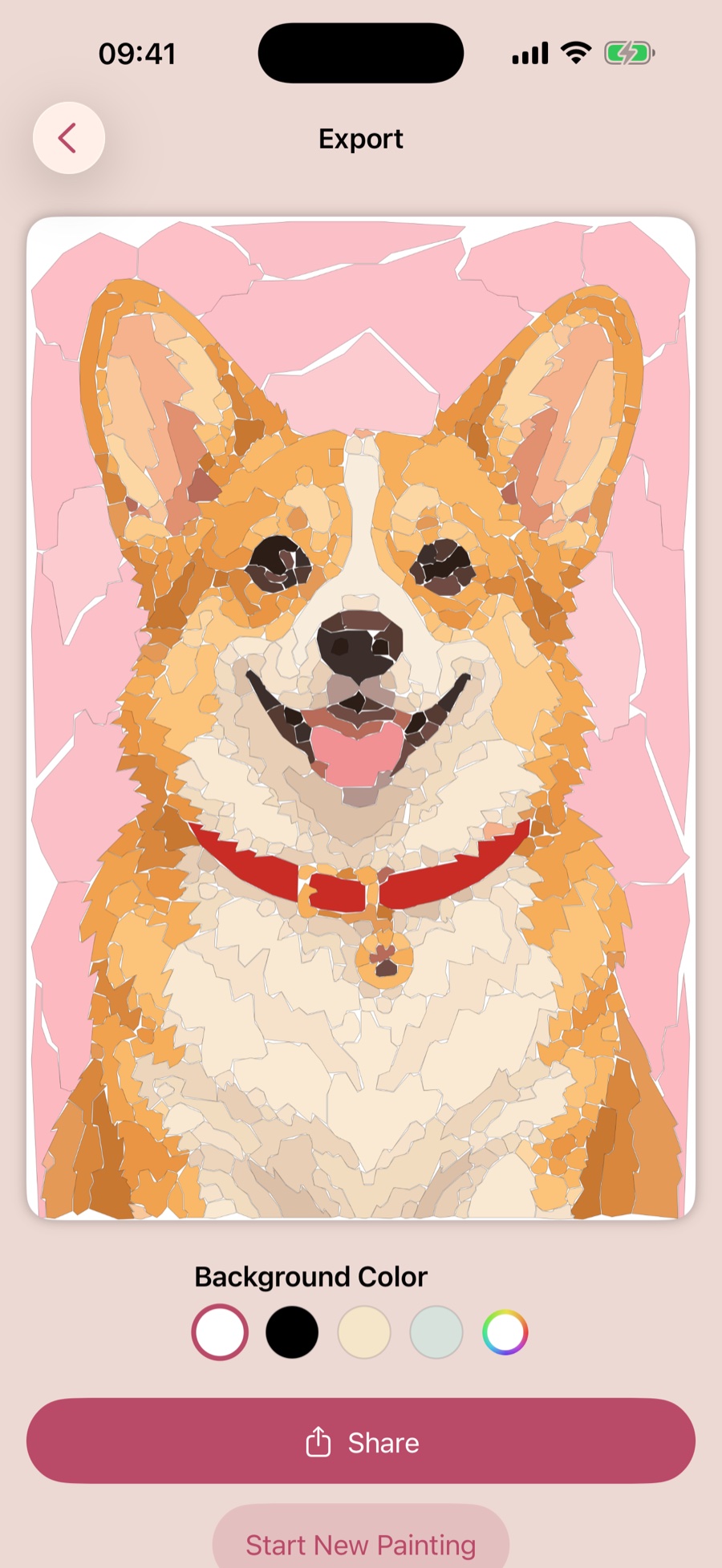
Show it off
Export your finished painting and share what you made.
Room to relax. Detail when you want it.
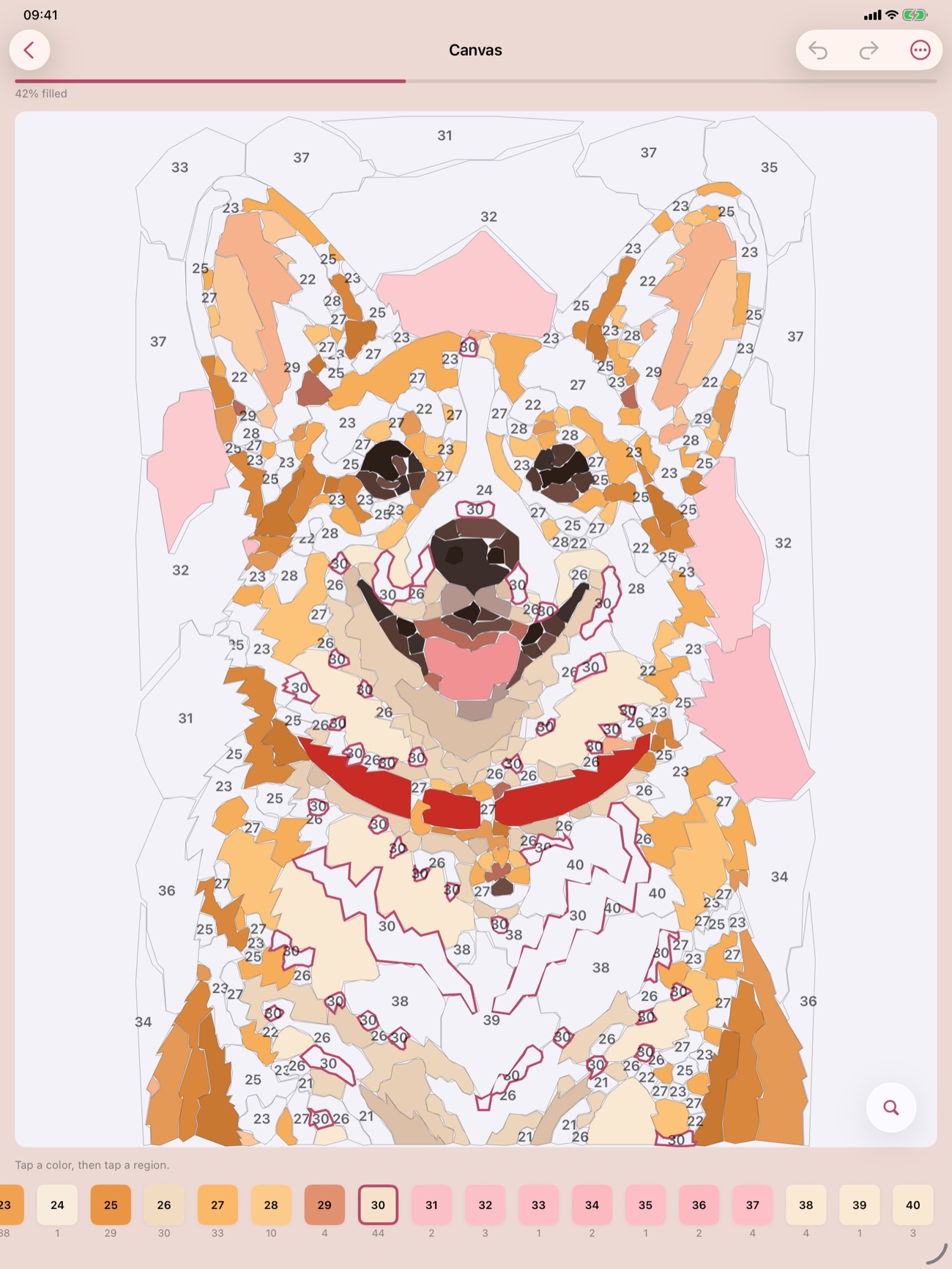
Expert-level paintings shine on iPad, and every painting is saved so you can pick it up again.
-
Your Photo, Your Detail
Choose from four difficulty levels, from big calm regions that are fast and relaxing to maximum detail for advanced paintings.
-
Tap to Paint
Fill in regions with a tap, undo or redo anytime, and highlight matching areas so you always know where to go next.
-
Never Lose Your Place
A locate button jumps to the next region to paint, so you can always find where to go next.
-
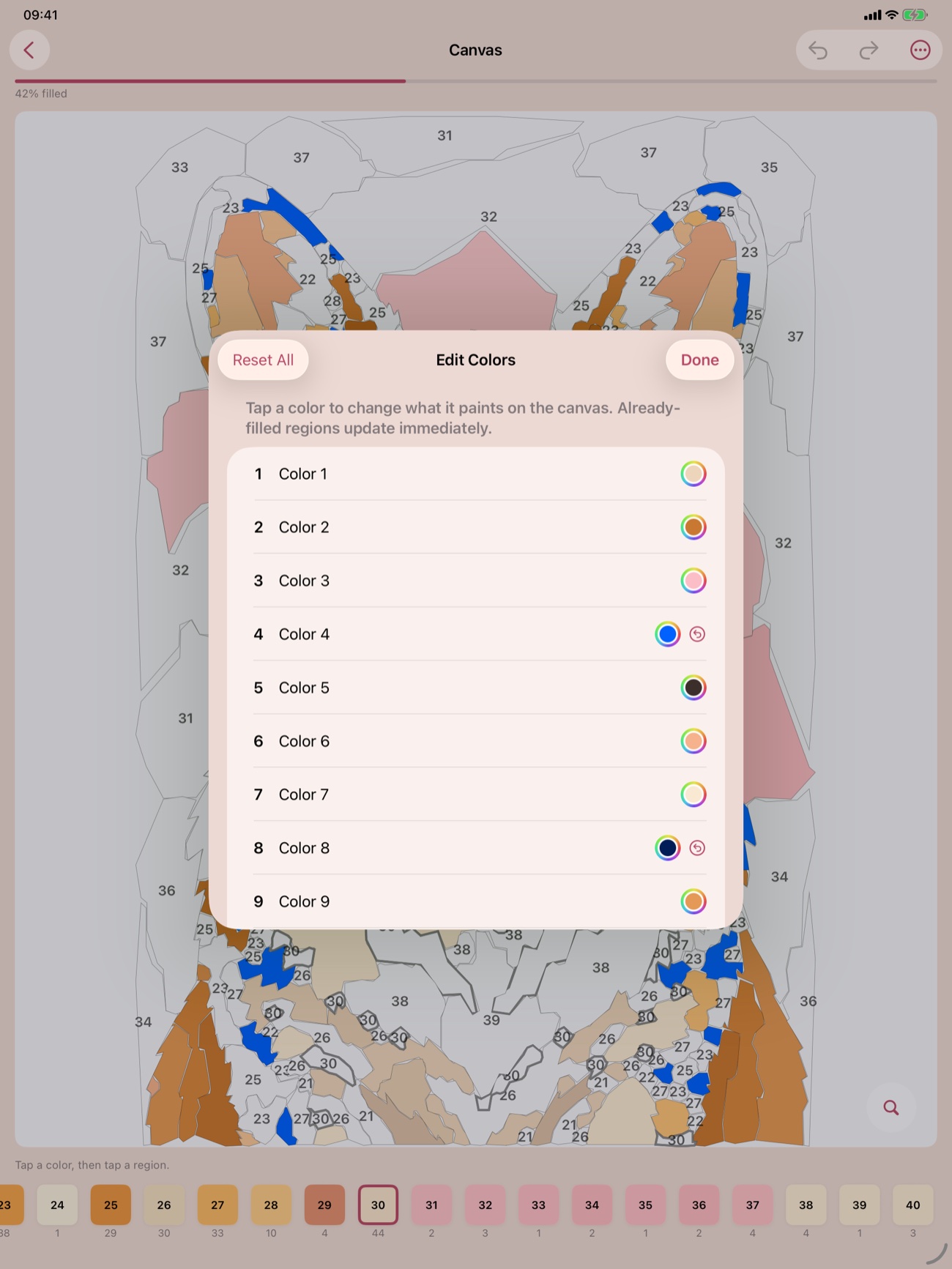
Make Every Color Yours
Tap any palette color to change what it paints. Regions you already filled update right away.
-
Save Every Painting
Your library keeps every painting in progress on your device, so you can finish anytime.
-
Handled with Care
Your selected photo is uploaded only for conversion and deleted after a successful result. Failed uploads are scheduled for deletion within seven days. No account required.
Your next favorite photo is a painting.
Made for iPhone and iPad. Try a free sample, then paint your own.